
Does Microsoft 365 Back Up My Emails and Files?
Quick Answer
Microsoft 365 does include built-in protection and recovery features for email and files, but that is not the same as having a separate backup system.
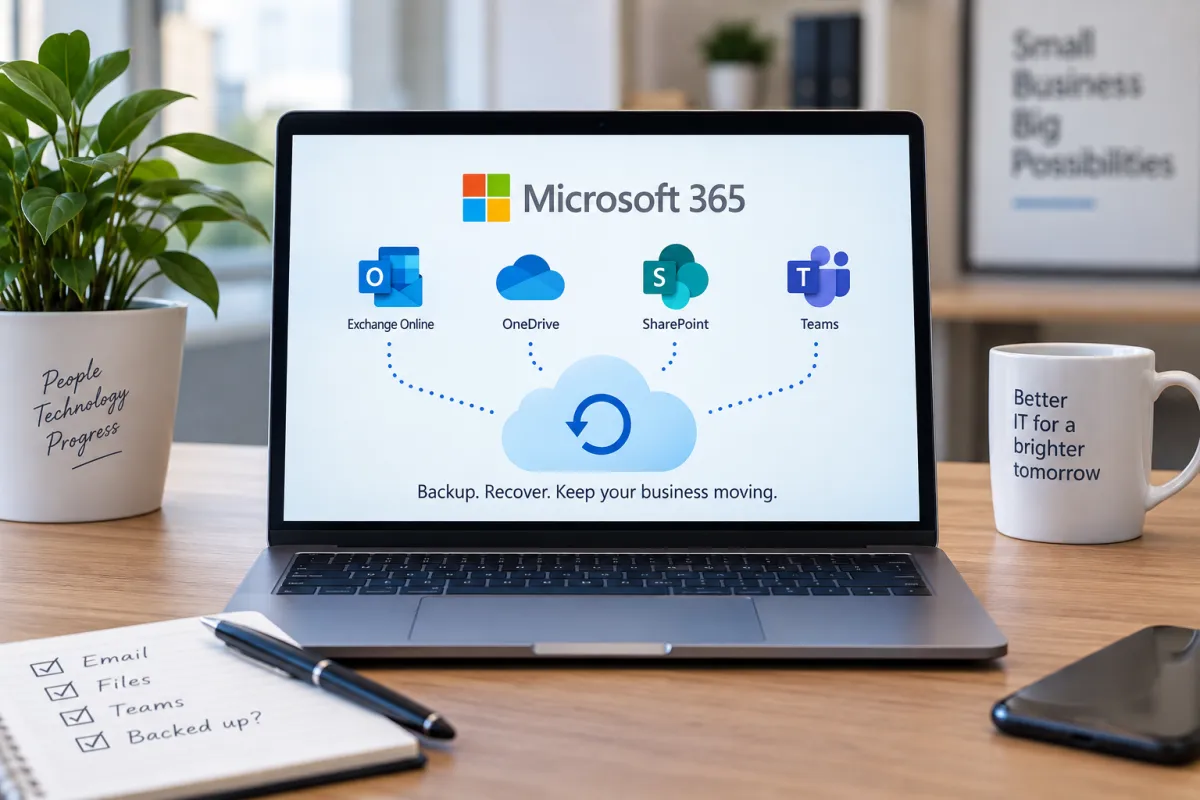
Exchange Online, OneDrive and SharePoint all include ways to recover some deleted or changed data, and Microsoft also offers a separate Microsoft 365 Backup service. But recovery depends on the service, the type of deletion and how long ago it happened.
For example, deleted Exchange Online items are normally recoverable for a limited period, while SharePoint and OneDrive have their own recycle bin, versioning and recovery options. Microsoft explains the Exchange retention periods in its deleted item retention guidance.
So the better question is not simply “Does Microsoft back up my data?”
What protection does Microsoft 365 already include?
Microsoft 365 already includes a number of useful ways to recover data.
For example:
Deleted emails may be recoverable for a period of time
Deleted OneDrive and SharePoint files can often be restored from the recycle bin
Previous versions of documents may be available through version history
OneDrive can help restore files after certain types of unwanted changes
Microsoft provides retention and recovery features that can be configured by administrators
These features are valuable, and in many situations they can save you from losing data.
The important point is that they are mainly designed to help you recover data within Microsoft 365.
A separate backup gives you another protected copy of that data, with its own retention and recovery options outside the normal day-to-day Microsoft 365 recovery process.
That distinction becomes important when you need to recover something that is no longer available through Microsoft's normal recovery options.
So what can go wrong without a separate backup?
Microsoft 365 recovery features are useful, but they do not cover every situation forever.
Problems can arise when:
A user deletes something and nobody notices until the recovery period has passed
Files are changed or overwritten and the version you need is no longer available
A compromised account deletes or alters data
Ransomware or malicious activity affects files stored in OneDrive or SharePoint
An administrator accidentally changes or removes something important
A user account is deleted before the data has been properly retained or transferred
In some of these cases, Microsoft 365 may still give you a way to recover the data.
In others, it may not.
That is why many businesses choose to keep a separate backup of Microsoft 365 data. It gives you another recovery option if the built-in Microsoft tools are no longer enough.
Do I need a separate Microsoft 365 backup?
Not every business will need the same backup setup, but it is worth considering if Microsoft 365 contains data your business cannot easily replace.
That might include:
Important emails
Customer information
Contracts and documents
SharePoint files
OneDrive data
Teams-related files
Financial or operational records
A separate backup gives you another copy of that data outside the normal Microsoft 365 recovery process.
That can be useful if something is deleted, changed, encrypted or only discovered after the built-in recovery period has passed.
The key question is:
If an important email or file disappeared today, how far back could you recover it, and how quickly could you get it back?
If you do not know the answer, it is worth checking before assuming Microsoft 365 has everything covered.
What should a Microsoft 365 backup actually protect?
A separate backup should cover the Microsoft 365 data your business relies on.
For many small businesses, that means:
Exchange Online email
OneDrive files
SharePoint documents
Teams files stored in SharePoint or OneDrive
It is also worth checking how long backups are kept, how often they run and how quickly data can be restored.
The important thing is not simply having a product that says “Microsoft 365 backup.”
You need to know what is being backed up, how long it is retained and whether it can actually be restored when you need it.
That is especially important for businesses that rely heavily on Microsoft 365 for day-to-day work.
How do I know if my Microsoft 365 data is actually being backed up?
Do not assume that because you use Microsoft 365, a separate backup is already in place.
Ask whoever looks after your IT a few simple questions:
Do we have a separate backup of Microsoft 365?
Does it cover email, OneDrive and SharePoint?
How often does the backup run?
How long is the backup data kept?
Can we restore a single email or file without restoring everything?
When was a restore last tested?
What would happen if we needed something that was deleted several months ago?
You do not need to know the technical details. You just need to know that the data your business relies on is being copied somewhere appropriate and that it can be recovered when needed.
If nobody can clearly explain how your Microsoft 365 data would be restored, that is worth checking.
What should I do next?
Start by finding out what protection you already have.
Ask your IT provider or internal IT team whether Microsoft 365 is being backed up separately and, if it is, what data is included and how long it is retained.
You may already have a suitable backup system in place.
If you do not, the next step is to decide how important your Microsoft 365 data is to the business and how long you could afford to be without it.
You do not necessarily need the most expensive backup service available. You need one that protects the data you rely on and gives you a realistic way to recover it if something goes wrong.
The important thing is simply to know how your Microsoft 365 data would be recovered before you actually need to recover it.
In short
Microsoft 365 includes useful recovery features, but those are not the same as having a separate backup.
Exchange Online, OneDrive and SharePoint can help recover deleted or changed data in many situations.
Recovery options can be limited by how long ago something was deleted or changed.
A separate Microsoft 365 backup gives you another copy of important business data and another way to recover it.
Check that your backup covers the services you actually use, such as email, OneDrive and SharePoint.
Make sure you know how long backups are kept and whether restores are tested.
The most important question is simple: if something important disappeared today, could you get it back?
if something important disappeared today, could you get it back?


FOLLOW US


Systems Secure® Limited·Registered in England and Wales, company no. 07295869 6 The Meadow, Copthorne, West Sussex RH10 3RG·07702 896 910·[email protected]
How to check you’re dealing with usServing Crawley, East Grinstead, Brighton and businesses across Sussex · UK-wide remote support
COMPANY
QuantumCare
FREE TOOLS
Consulting
LEGAL
Learning Center
Copyright 2026. Systems Secure. All Rights Reserved.