Is Antivirus Enough to Protect My Small Business?
Quick Answer
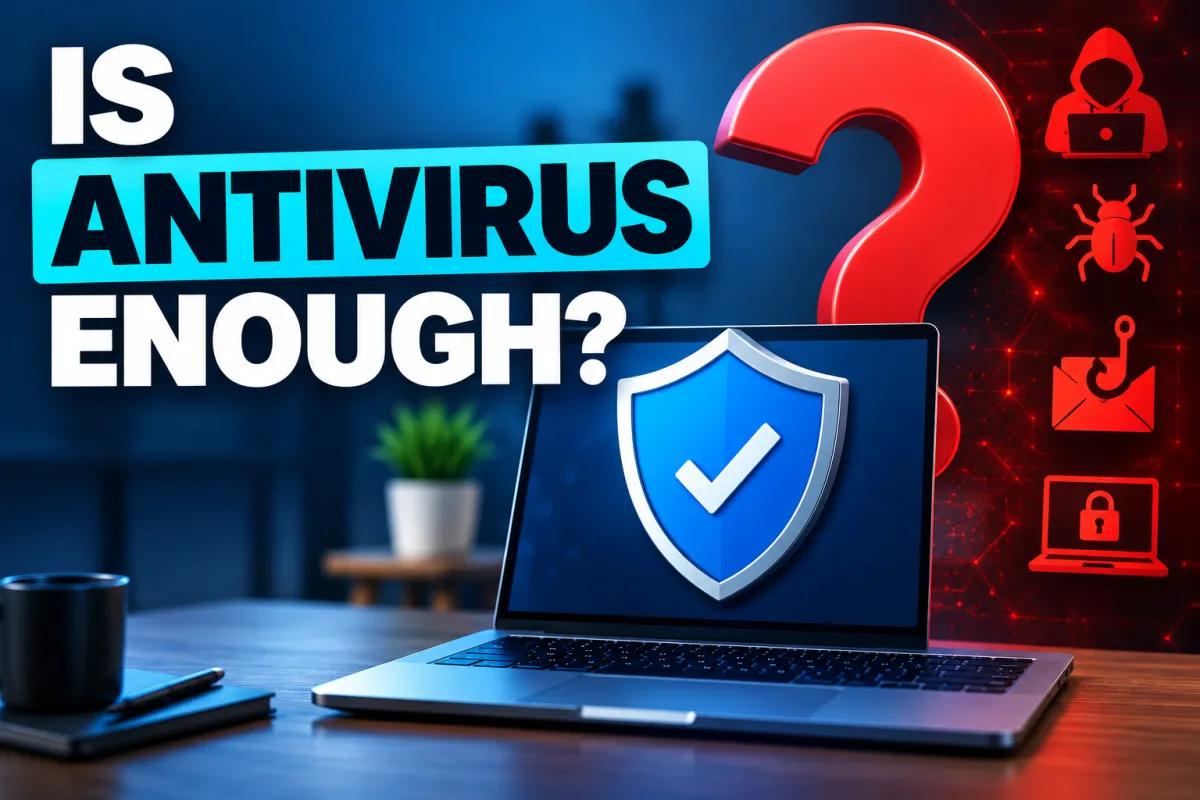
No. Antivirus is still an important part of protecting a business, but it is only one layer. It can help block malicious files and some suspicious behaviour, but it does not stop things like stolen passwords, phishing, poor security settings or someone logging in as a genuine user. Small businesses need antivirus alongside other controls such as multi-factor authentication, secure Microsoft 365 settings, staff training and tested backups.
Antivirus is still worth having. It's just the floor, not the ceiling, and a ten-person business needs two or three things above it.
What does antivirus actually stop?
Antivirus is good at detecting and blocking known malware and suspicious behaviour. It can recognise malicious files, stop some dangerous downloads and, in many cases, spot software behaving in a way that looks suspicious.
That is an important job and antivirus is still worth having. Anything that can stop malware before it runs is a useful layer of protection.
The limitation is that antivirus only sees part of the problem. It is designed mainly to detect malicious software and suspicious activity on a device. It does not automatically stop someone logging in with a stolen password, being tricked by a convincing email, or taking advantage of a badly configured account.
So what doesn't it stop?
There are several common ways a business can be attacked where antivirus may offer little or no protection.
Someone logging in with a stolen password. If an attacker has a valid username and password — bought, guessed or stolen through phishing — they may be able to sign into email or other services just like a genuine employee. Basic antivirus software may see nothing wrong because there is no malicious file involved.
Being tricked rather than infected. A convincing email from a “supplier” with new bank details. A “client” asking for a document. A message that appears to be from a manager asking someone to buy gift cards. There may be no malware involved at all, so antivirus has very little to detect.
Poor security settings. Multi-factor authentication switched off, old administrator accounts left active, files shared too widely or systems that have not been updated properly. Antivirus does not normally check whether your whole business is configured securely.
Attacks that don't rely on malicious files. Some attackers use legitimate tools and features already built into Windows or Microsoft 365. Because those tools are also used by genuine administrators, antivirus alone may not recognise that something is wrong.
The important point is that a business can have antivirus installed on every computer and still have serious security gaps. Antivirus is an important layer of protection, but it should not be the only one.
What does a small business need on top of antivirus?
There are four things I would prioritise, roughly in order of value.
1. Multi-factor authentication, especially on email and administrator accounts.
MFA is one of the most effective security measures a small business can put in place. It means that if somebody steals a password, the password alone should not be enough to access the account. If you only tackle one thing on this list first, start here.
2. Microsoft 365 configured securely.
Microsoft 365 has a lot of security settings, and simply having Microsoft 365 does not mean they are all configured appropriately for your business. Administrator accounts, mailbox forwarding, external sharing and access controls should all be reviewed regularly.
3. Staff who know what to look for.
Attackers regularly target people as well as computers. Staff should know how to recognise suspicious emails, unusual payment requests, unexpected login prompts and other common warning signs. Training works best when it is short, practical and repeated regularly.
4. Backups that have actually been tested.
Having a backup is only useful if you can successfully restore from it when you need to. Some ransomware attacks also attempt to damage or encrypt backups, so where backups are stored and how they are protected matters. Test restores regularly so you know your recovery process actually works.
These four measures do not replace antivirus — they work alongside it. Together, they provide several different layers of protection rather than relying on one security product to stop everything..
Isn't this overkill for a small business?
It is a fair question, but good cyber security should be proportionate to the size and risk of the business.
Small businesses are still attractive targets because they handle money, email accounts, customer information and supplier payments, but often do not have a dedicated security team. Many attacks are automated and opportunistic, so attackers are often looking for easy ways in rather than choosing one particular business personally.
The good news is that the measures above do not require a large security department or a complicated project.
Multi-factor authentication can usually be introduced quickly. Microsoft 365 security settings can be reviewed and improved. Staff training can be short and regular. Backups can be tested as part of normal business processes.
The aim is not to build enterprise-level security around a small company. It is to put sensible layers of protection in place so that one stolen password, one convincing email or one failed computer does not become a major incident.
How do I know if we're covered?
Ask whoever looks after your IT or cyber security these five questions, ideally in writing:
Is multi-factor authentication enabled for everyone who can access our email and important systems?
When did we last check our Microsoft 365 accounts for suspicious forwarding rules, unusual sign-ins or other signs of compromise?
Who has administrator access, and does everyone on that list still need it?
When did we last successfully restore data from a backup?
If someone stole one of our passwords today, what other controls would stop them getting into the account?
The fifth question is particularly useful. If the only thing protecting an account is its password, there is very little standing between a stolen password and access to the business.
A good IT provider should be able to answer these questions clearly. They may also tell you that some of these areas are outside the scope of your existing support contract. That does not necessarily mean you have a bad IT provider — it may simply mean cyber security is a separate service from the one you originally asked them to provide.
In short
Antivirus is still worth having, but it is only one layer of protection.
Antivirus may not stop stolen passwords, phishing, poor security settings or attacks that do not rely on malicious files.
Small businesses should also use multi-factor authentication, secure Microsoft 365 settings, staff training and tested backups.
Multi-factor authentication is one of the most effective protections you can put in place.
Small businesses can still be targeted by automated and opportunistic attacks.
A useful question to ask your IT provider is: If someone stole one of our passwords today, what else would stop them getting in?
Written by James Batt, CISSP, C|CISO, CEH — founder of Systems Secure Ltd, independent cyber security for UK businesses that already have IT support. Based in Copthorne, West Sussex, working with clients across Sussex and UK-wide.
Published [date]